 GitHub
Loading

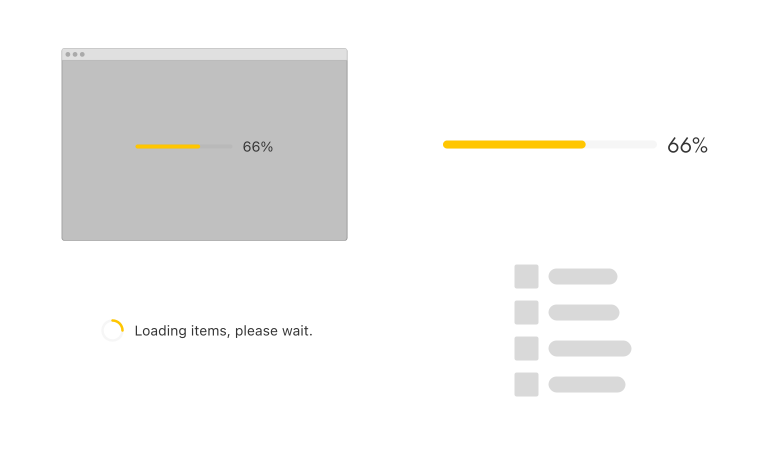
Loading patterns indicate that a process is in progress. There are four variants; Skeleton states, Full-screen loading, Inline loading and Load more.
Examples
Full-screen loading
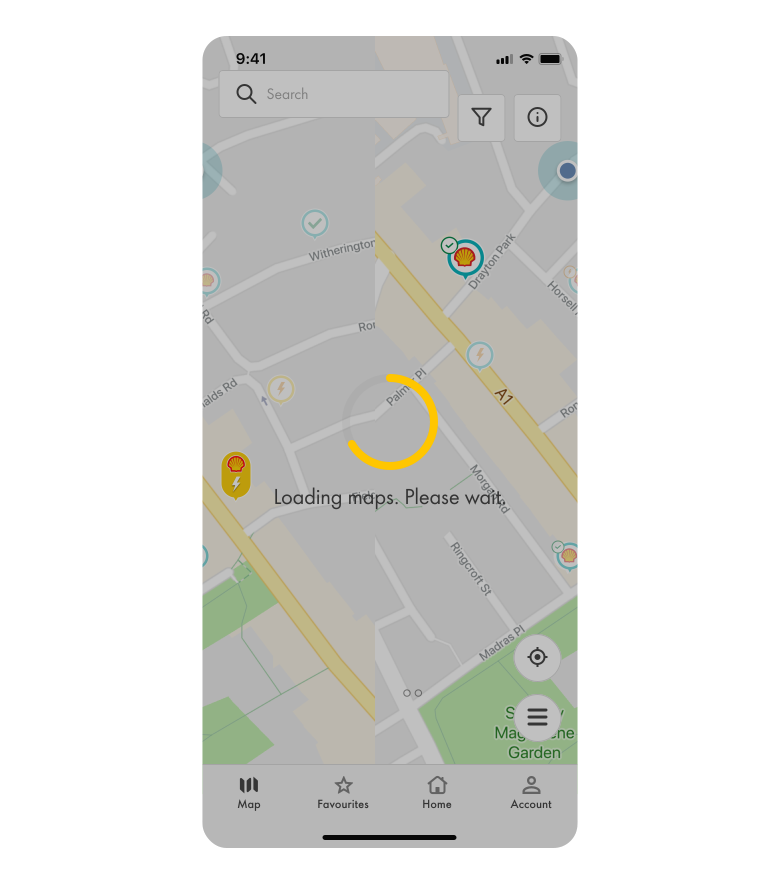
Full-screen loading indicates that the entire website or application is processing and confirms that the system is working.
When to use
- Loading a page for the first time.
- Performing resource intensive operations, e.g. processing large files.
- Suspending an application due to a system or user action.
When not to use
- If users need to perform other actions on the screen.
- If loading time is less than one second.
Best practice
Use a mask
Add a mask behind the loading spinner to make it prominent.
Inform the user
Add a short, clear message that tells the user what’s happening, e.g. ‘Loading data. Please wait.’
Provide alternatives
If loading takes longer than expected, allow users to report an issue or exit the page.
Inline loading
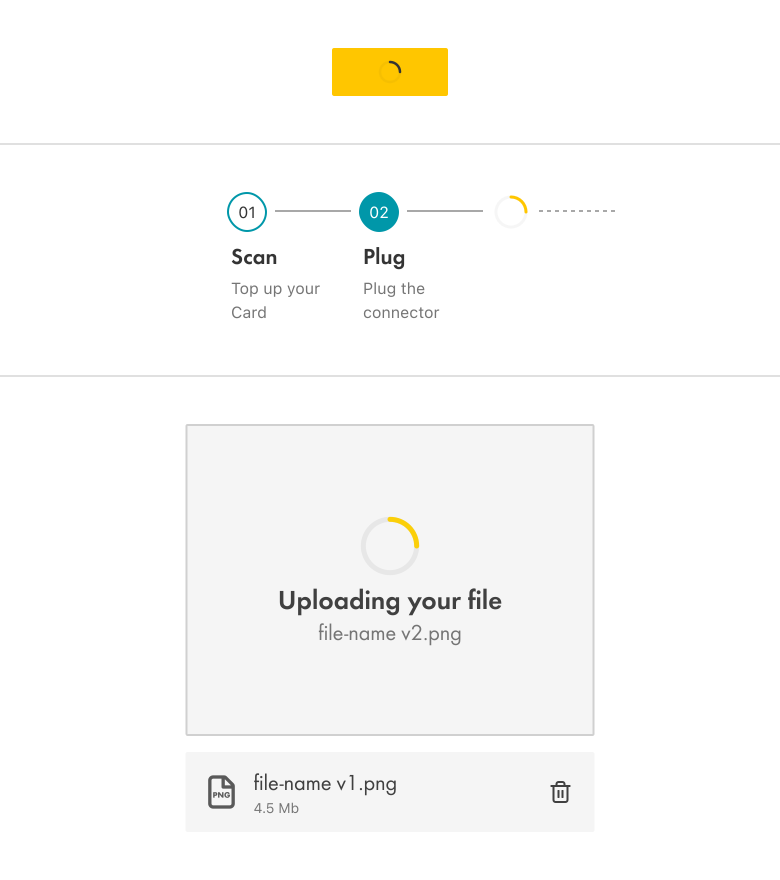
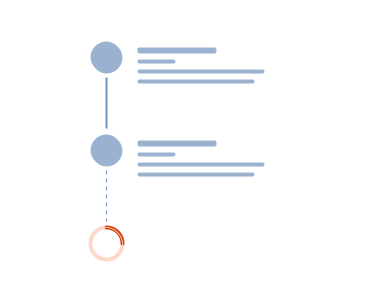
Inline loading shows an action is processing within a component.
When to use
- Fetching or updating content.
- An action is in progress, e.g. submitting a form.
When not to use
- The entire screen is processing.
- If loading time is less than one second.
Best practice
Don’t disable other interactions
Allow interaction with other elements while loading is in progress, e.g. dismissing a notification.
Reduce distraction
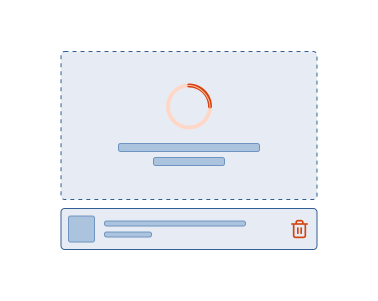
Consider how the size, placement and animation of the loading indicator may distract users.
Content
Load more
Load more indicates the progressive loading of content, elements or data.

When to use
- Loading content or data in batches.
- Allowing users to scroll through large amounts of content.
When not to use
Load more is not required if all the content can be presented at once.
Best practice
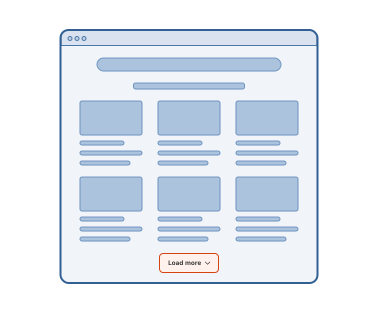
Keep in context
Position load more in close proximity to the element that is loading.
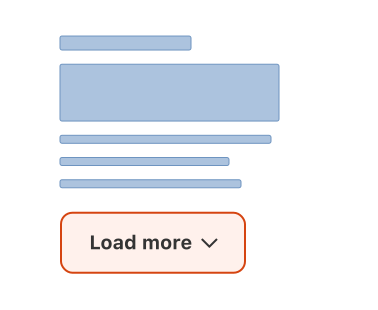
Write actionable labels
Use a specific action on the button label, e.g. ‘Load more’.
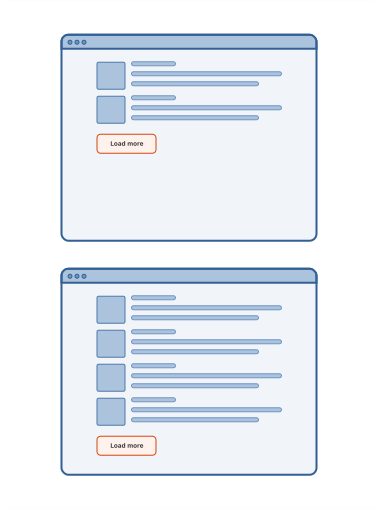
Limit the amount
Consider the amount of content that is loaded per batch, to avoid overwhelming users.
Skeleton states
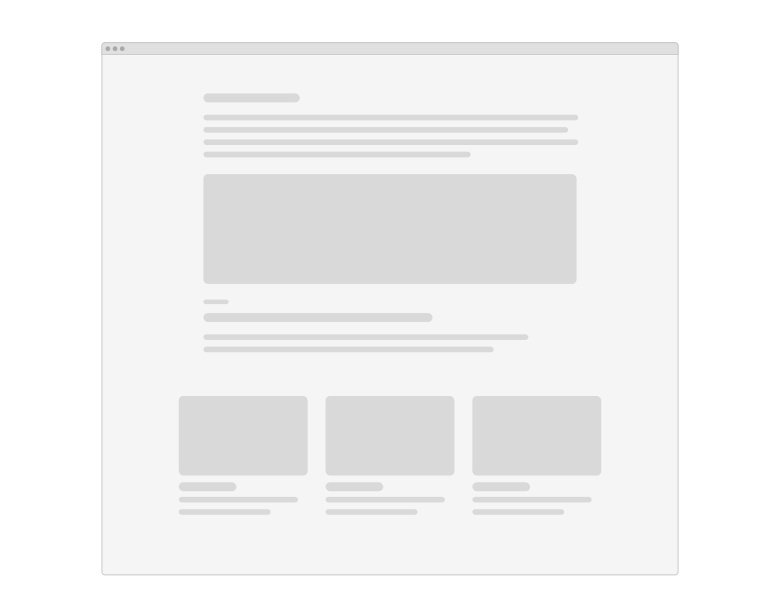
Skeleton states are simplified versions of the UI with placeholders that indicate where content will go.
When to use
- Loading a page for the first time.
- Loading multiple components at the same time.
When not to use
- Skeletons should not be used for loading toast notifications, overflow menus, dropdown items and modals.
- If loading time is less than one second.
Best practice
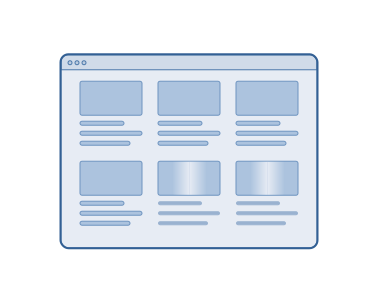
Add motion
Use motion (shimmer effect) to decrease the perceived load time.

Load elements progressively
Make elements visible as soon as they are loaded.
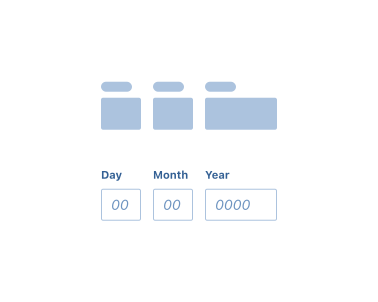
Replicate the content structure
Ensure the appearance of skeleton objects matches the structure of existing content.
Accessibility
Shell DS components are programmatically determinable with appropriate semantic markup and are designed to meet colour contrast requirements. If you’re not using Shell DS code, you will need to cover the accessibility considerations for each component in this pattern.
Assistive technologies
Ensure screen readers can announce when loading begins or completes.
Code consideration
- The loading component is used to notify the user that the page content is loading. W3C WAI-ARIA role="alert" and aria-live="polite", are recommended so that the screen reader can finish the current announcement, before announcing a default aria-valuetext="loading".
- Ensure that the focus of the keyboard is shifted from the ‘Load more’ button to the first new result, each time the list grows. This allows users to tab forward easily.
Colour contrast
Ensure the colour contrast is 3:1, in accordance with WCAG guidelines.
Every effort has been made to ensure that the Shell Design System follows accessibility best practice.
The Shell DS React framework incorporates keyboard operation to support the widest variety of assistive technologies and devices. For any future frameworks other than React, accessibility will need to be reviewed.
Help us to help you by contacting the Accessibility team for support and information regarding any questions relating to accessibility.
Related
Is this page useful for you?
Your feedback helps to improve our documentation.