 GitHub
Table

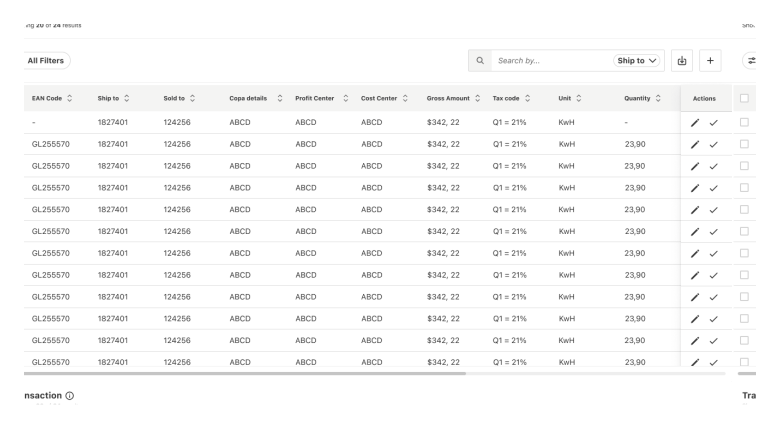
Tables display and organise data efficiently in cells, columns and rows.
Examples
Usage
When to use
- To display and organise large or complex data sets.
- To enable users to scan data.
- To allow users to customise how data is displayed.
When not to use
- Avoid using a table for simple data that can be presented in a card or list.
- Avoid using tables as a replacement for a spreadsheet application.
Best practice
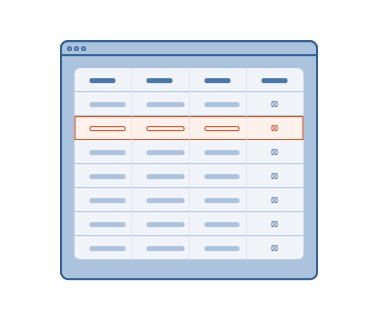
Emphasise important information
Consider highlighting important data in columns, rows or cells.
Responsive sizing
Ensure that tables scale correctly and remain legible on all screen sizes.
Useful functionality
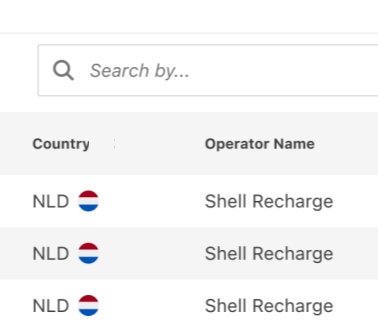
Include sort and search functionality in complex tables so that users can find or customise the information they need.
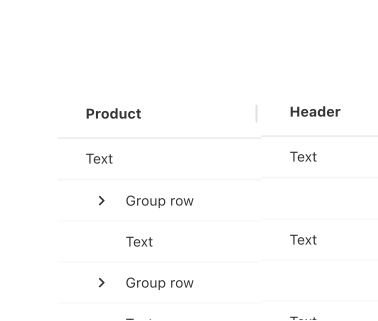
Specific headers
Write clear and concise table headers to accurately describe the data in each column.
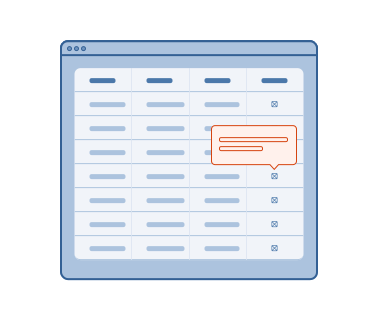
Helpful messaging
Use tooltips to explain unfamiliar or complex terms and actions.
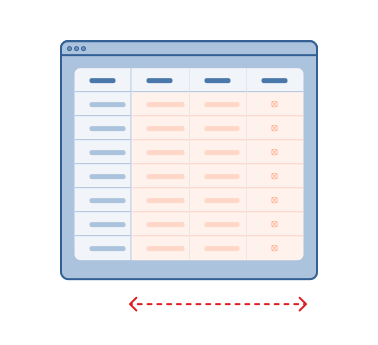
Frozen panes
Use frozen panes for row and column headers to allow users to scroll through data.
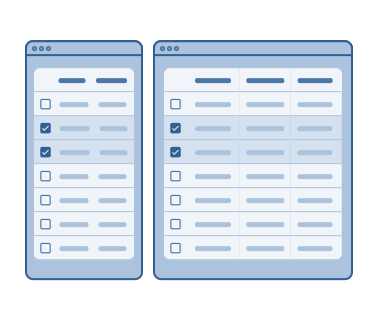
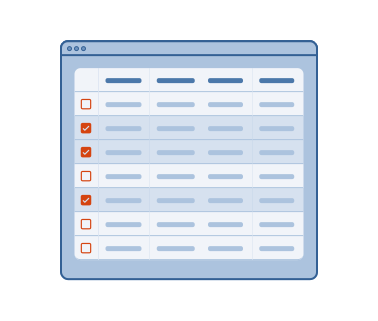
Batch actions
Allow users to perform batch actions by selecting multiple rows using checkboxes.
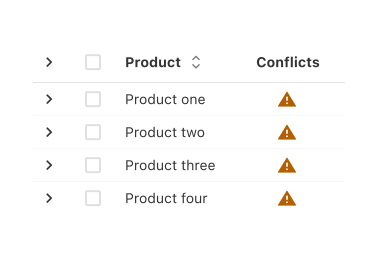
Validation and alerts
Use validation and alerts to communicate issues with data and how users can resolve them.
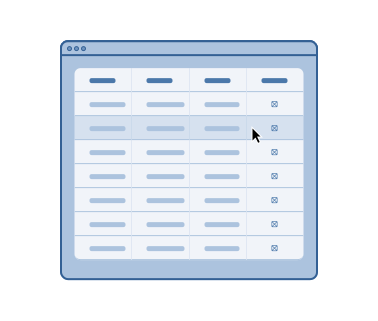
Highlighted rows
Highlight table rows on hover to help guide the user’s eye across the row.
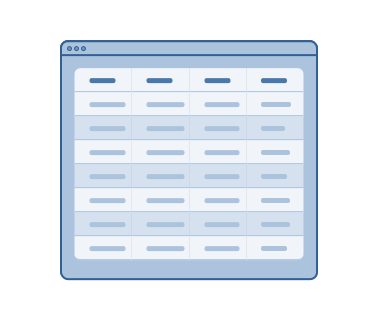
Zebra rows
Use zebra rows only in static tables without any interactive elements.
Accessibility
Shell DS components are programmatically determinable with appropriate semantic markup and are designed to meet colour contrast requirements. If you’re not using Shell DS code, you will need to cover the accessibility considerations for each component in this pattern.
Keyboard navigation
Make the table navigable by keyboard using controls and appropriately manage focus.
Alternative text
Provide descriptive alternative text for table images.
Code consideration
Ensure tables are properly marked up using semantic HTML tags, such as ❬table❭, ❬thead❭, ❬tbody❭, and ❬th❭, to provide a structured and accessible representation.
Colour contrast
Ensure the colour contrast is 4:5:1 between text and background within the table, in accordance with WCAG guidelines.
Every effort has been made to ensure that the Shell Design System follows accessibility best practice.
The Shell DS React framework incorporates keyboard operation to support the widest variety of assistive technologies and devices. For any future frameworks other than React, accessibility will need to be reviewed.
Help us to help you by contacting the Accessibility team for support and information regarding any questions relating to accessibility.
Related
Is this page useful for you?
Your feedback helps to improve our documentation.