 GitHub
Disabled States

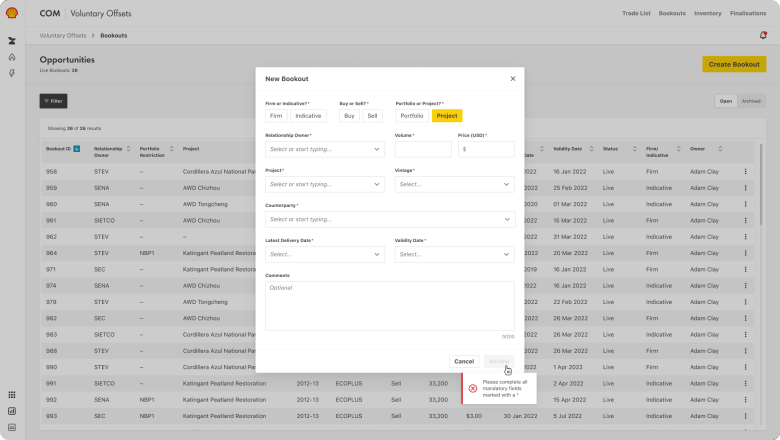
Disabled states are applied when a component is not interactive. There are three variants: Default disabled, Hidden and Read-only.
Default disabled
Applied to temporarily disable a component pending user action or input.
When to use
- If users are temporarily unable to edit information.
- When a component requires a specific user input or action to return to its interactive state.
When not to use
- To make the element disappear from the UI.
- If editing the information or content is impossible.
Best practice
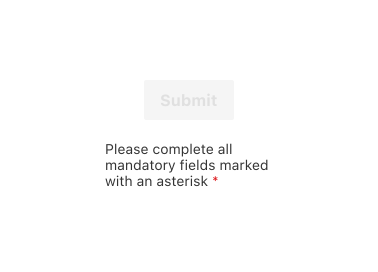
Add a tooltip
Write a clear and helpful message that tells users how to make the component interactive again.
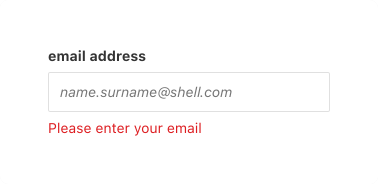
Use inline validation
Provide immediate feedback to help users input the correct information.
Hidden
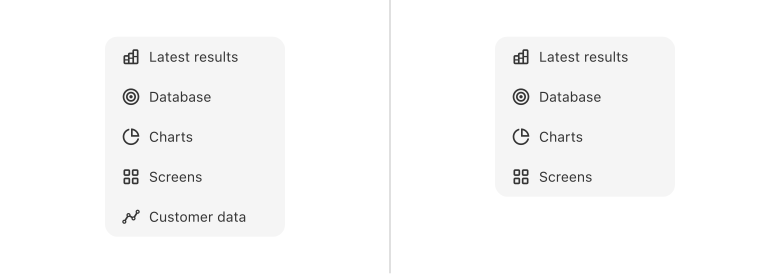
Applied to hide an element from view.
When to use
- To allow different levels of permission or access.
- To prevent users from performing an action.
When not to use
- If the element needs to be visible to users and assistive technologies.
- If information is critical, without alternative ways to access it.
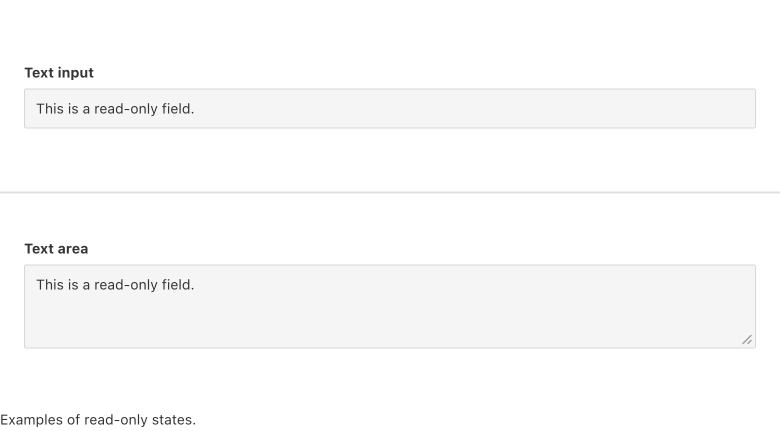
Read-only
Applied so that information cannot be edited.
When to use
To allow users to view or copy content without making changes.
When not to use
- If users need to edit the content.
- If the component is temporarily disabled.
Best practice
Readability
Ensure the text in read-only state is visible and easy to read.
Accessibility
Shell DS components are programmatically determinable with appropriate semantic markup and are designed to meet colour contrast requirements. If you’re not using Shell DS code, you will need to cover the accessibility considerations for each component in this pattern.
Keyboard navigation
Allow keyboard navigation for read-only components so that users can access information.
Code consideration
To make disabled components focusable and visible to assistive technologies use W3C WAI-ARIA disabled attribute, aria-disabled=”true”.
Colour contrast
Ensure the colour contrast is 3:1, in accordance with WCAG guidelines.
Every effort has been made to ensure that the Shell Design System follows accessibility best practice.
The Shell DS React framework incorporates keyboard operation to support the widest variety of assistive technologies and devices. For any future frameworks other than React, accessibility will need to be reviewed.
Help us to help you by contacting the Accessibility team for support and information regarding any questions relating to accessibility.
Related
Is this page useful for you?
Your feedback helps to improve our documentation.