 GitHub
Illustration

Illustrations are vital for Shell’s brand. Our illustration style is practical, optimistic and friendly. This is achieved by harmonising shape, colour, curves and softness to create inviting and engaging digital experiences for our products.
Usage
Illustrations express ideas and concepts reflected in content by granting character and warmth.
The role of illustrations
- Simplify complex ideas and enhance accessibility.
- Highlight our brand’s voice, personality and platform in an effective way.
- Communicate directly with users.
- Tell stories to users and provide ideas.
- Express categories and cues for different topics.
- Create consistency between applications.
- Enhance the charm and character of the brand.



Our illustration guide
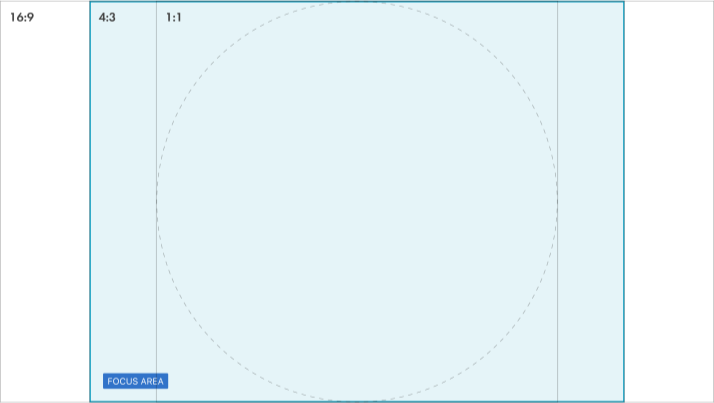
To help construct our illustrations we have created a flexible guide that will ensure that an illustrations focal point is always maintained. By default we have a safe area that will contain the focus of any given illustration so that if cropped the intent of the illustration is never lost.
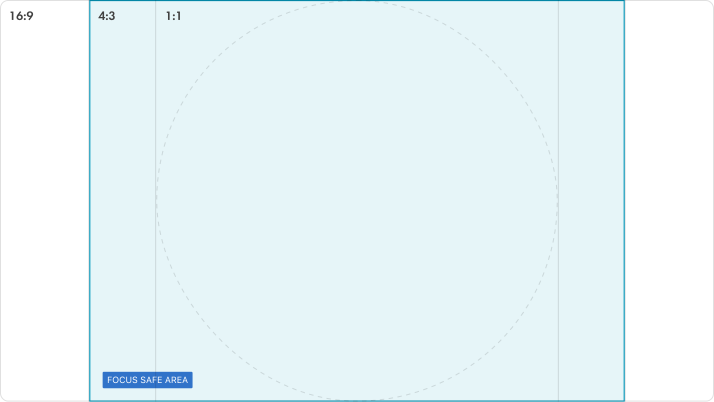
Adobe Illustrator design template

Figma design template

Design principles
Illustrations are integral to our design principles, explained in detail here in Design at Shell.
Human and aesthetic
Our illustrations make the scale of our work at Shell more relatable and approachable. They essentially help users to feel more empowered and confident.

Clear and compelling
Whether it is the hero or spot image, our illustrations are direct, minimal and clutter-free. They spark visual curiosity in users and guide them to understand relevant information.

Embrace our colour system
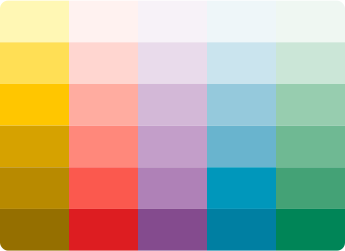
Through harmonic use of our colour palette, our illustrations project positivity and radiance which delight our users. Gradient and lighting effects enhance our illustrations. Contrast can be used to enhance their visibility.
Reflect our shape style
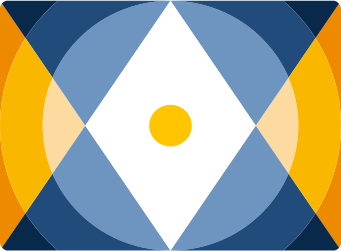
Our illustrations are modern and have a contemporary aesthetic. Geometric and natural shapes are complemented with sharp and precise lines to define them.

Styles
Expressive
Emotive and natural illustrations of humans in different poses and environments.

Abstract
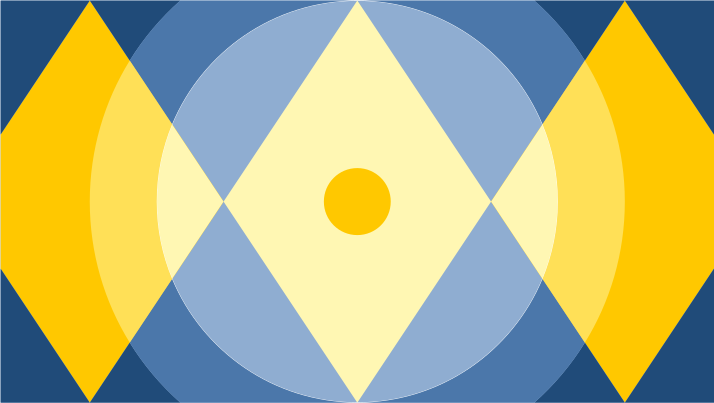
Different sized hero or spot illustrations used for visual decoration.
Isometric
Intricate and diagrammatic illustrations which have a 3D look and feel. They showcase how things and processes work.

Types
We use two types of illustrations according to the allocated space and the information that needs to be shared.
Hero
These are main illustrations which set context for the entire product or a page.

Scene builder
These are secondary illustrations which add meaning to the associated content.

Spot
These are secondary illustrations which add meaning to the associated content.
Best practices
Follow this checklist while designing or reusing illustrations.
Tell simple stories
Create stories using simplified sequences that project a positive narrative.
Include everyone
Let illustrations reflect the richness of communities across the world. Naturally include people of varied ages, ethnicities, backgrounds and abilities. Follow our DEI commitment and policies while designing.
Aim for global appeal
Create universal context and cultural relevance using visual cues. Always keep cultural nuances and contexts in mind.
Keep it simple
Simplify topics and subjects by visualising what is important.
Is this page useful for you?
Your feedback helps to improve our documentation.